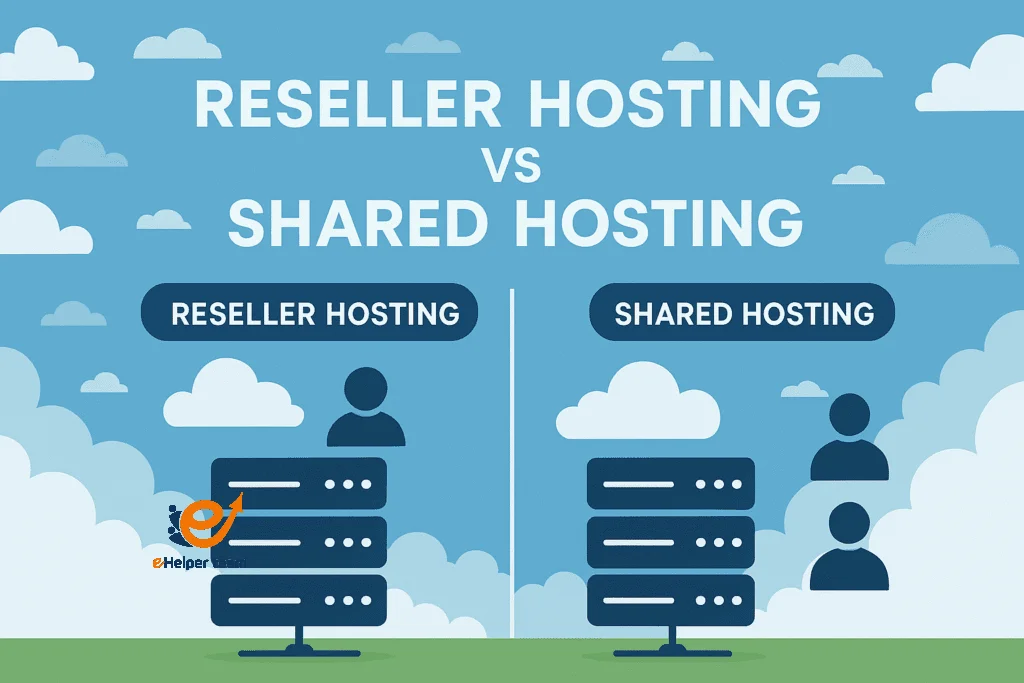
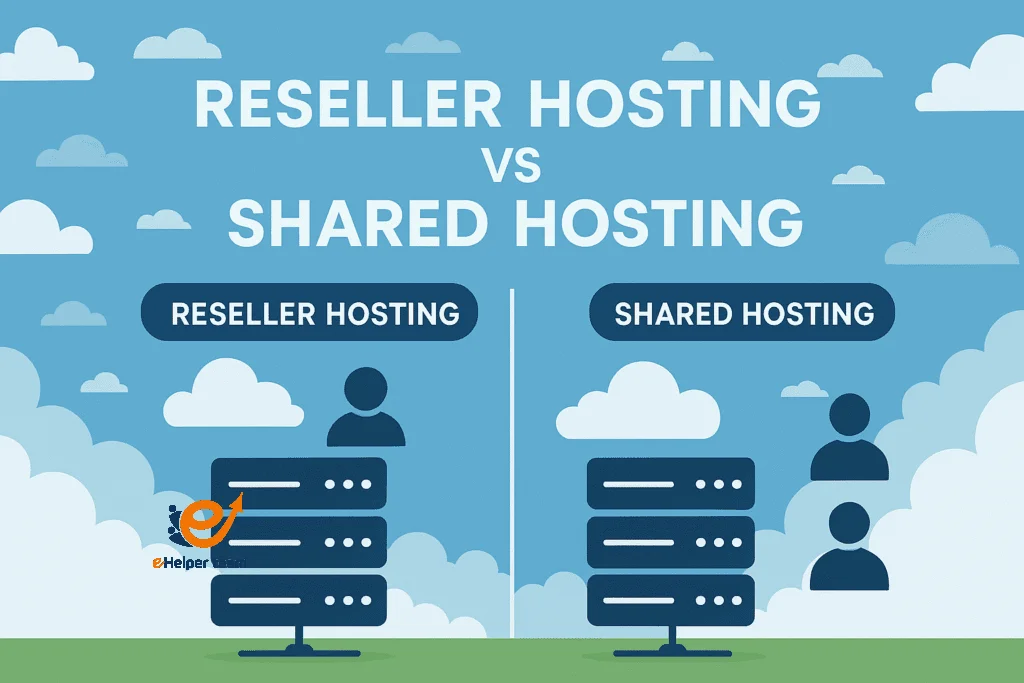
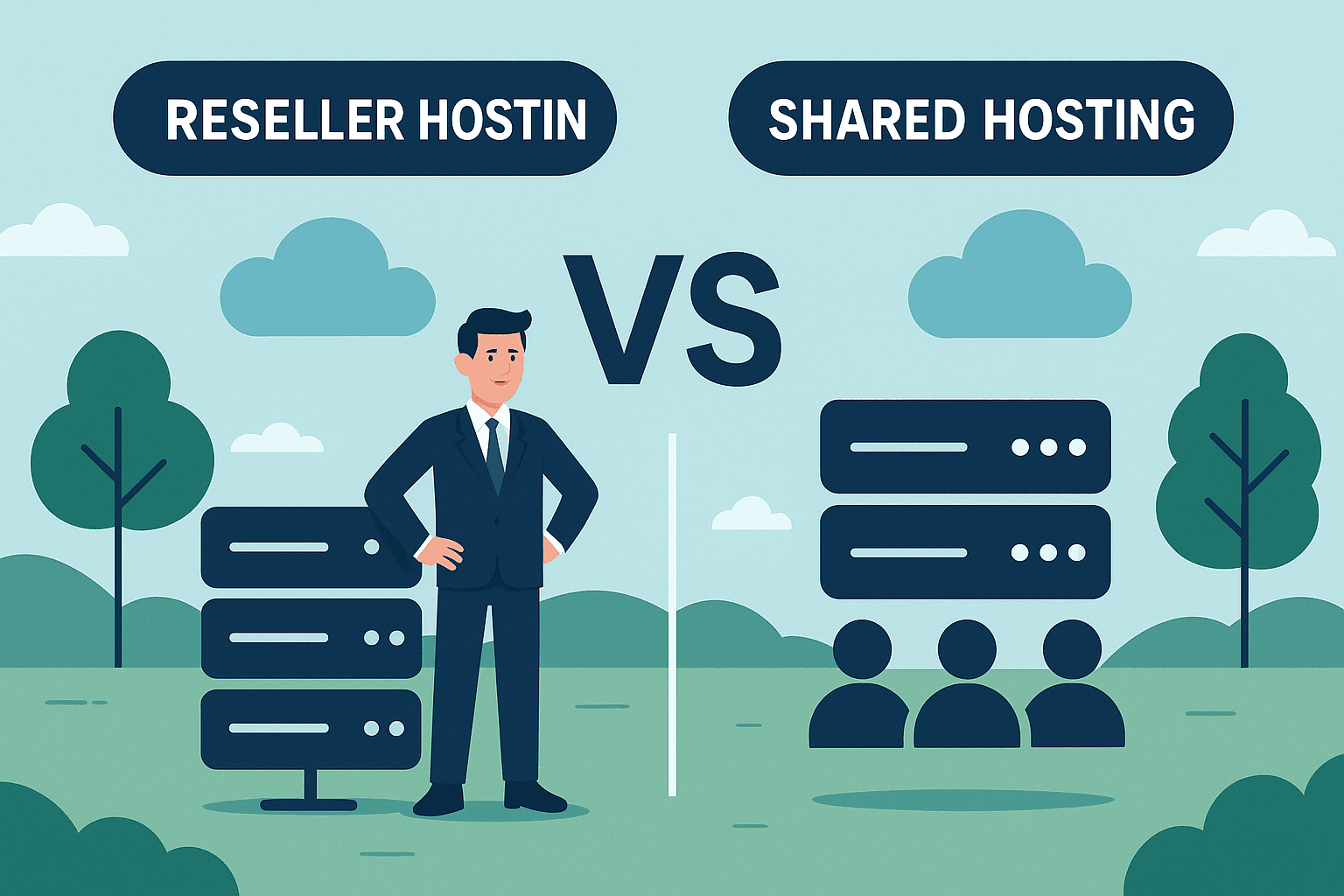
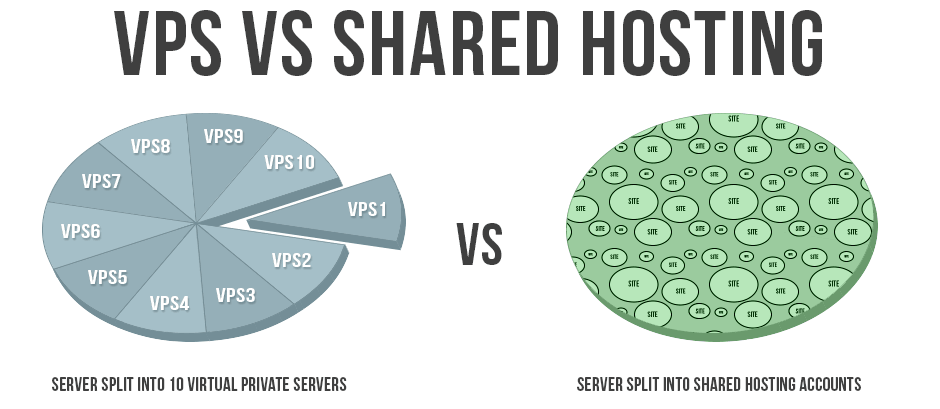
Reseller Hosting VS Shared Hosting, In today’s web hosting landscape, many small businesses, agencies, and developers face a key decision: Reseller Hosting VS Shared Hosting. Which one offers better control, scalability, profit potential, or ease of use? In this article, we’ll dig deep into each option, point out their real differences, and help you choose wisely based on your goals, budget, and technical capacity.
Before diving in, here’s a resource you can refer to for more context: What is Reseller Hosting and Top Reseller Hosting Companies. We’ll also incorporate additional related articles throughout the discussion to support clarity and depth.
Reseller Hosting VS Shared Hosting, Reseller hosting is a service where you rent server space from a provider and then subdivide and resell portions of that to your own customers. You act as a mini-hosting provider without managing the full infrastructure.
Advantages of Reseller Hosting
Revenue opportunity: You can charge your own clients, setting pricing and plans.
White-label branding: You can brand hosting as your own and build a hosting business.
More control: You typically manage how you allocate resources, manage accounts, and set limits.
Scalable: You can grow by purchasing more resources and adding more customers.
Limitations of Reseller Hosting
Responsibility for customers: You handle support, account issues, billing, and possibly tech support.
Upfront cost and risk: If you over-allocate resources or misjudge demand, you may suffer performance issues or losses.
Depends on parent host: Your performance, uptime, and security depend heavily on the underlying host’s infrastructure.
Head-to-Head: Reseller Hosting VS Shared Hosting (the direct comparison)
Here, we answer directly: Which is better: Reseller Hosting VS Shared Hosting? Let’s compare key dimensions side by side.
1. Control & Customization
Shared hosting gives limited control. You can mostly manage via a control panel, but can’t alter many server settings (e.g., Apache config, modules).
Reseller hosting gives you more control: you can create multiple cPanel accounts, assign quotas, customize add-ons per client, and sometimes tweak package templates. Hence, for someone needing control and flexibility,the reseller wins.
Shared hosting is cheap per site. You pay a fixed monthly or annual fee.
Reseller hosting has a higher base cost (you pay for a package that supports multiple accounts). But if you host many client sites, the per-site cost may drop as you scale and recoup via client payments.
3. Performance & Resource Allocation
In shared hosting, spikes in one user can degrade others. No isolation.
Reseller hosting may use more advanced partitioning (e.g., separate accounts), but still depends on the parent host’s hardware. With a high-quality reseller plan, clients can be better isolated.
4. Maintenance & Support Responsibilities
Shared hosting: provider handles most maintenance, leaving you to focus on your content.
Reseller hosting: you take on customer support, account setup, billing, and possibly backups (unless your provider offers reseller features).
5. Scalability & Growth
Shared hosting is fine initially, but once traffic grows significantly, you’ll likely need to upgrade to VPS or dedicated hosting.
Reseller hosting is inherently scalable: you can upgrade your plan to accommodate more customers, carve out more accounts, and even specialize.
6. Ideal Use Cases
Shared hosting suits individuals, hobby sites, small business websites with limited traffic.
Reseller hosting suits agencies, freelancers, and developers who host websites for multiple clients and want hosting earnings.
Performance in both models depends heavily on the host’s infrastructure (hardware, network, data center). A high-quality shared host could outperform a poorly equipped reseller host. Always check uptime guarantees (e.g., 99.9% or better) and real reported stats.
In reseller plans, since you host multiple accounts, resource spikes from one client should ideally not degrade others — good hosts provide account isolation, CPU/RAM limits, and monitoring tools.
Security Measures
In shared hosting, a security breach in one site may affect others on the same server.
In reseller hosting, you have more control to enforce security settings per account (e.g., firewalls, malware scanning, account isolation). However, your security also depends on the underlying host’s practices (updates, patching, intrusion detection).
Backups & Disaster Recovery
Many shared hosting plans include periodic backups and restore services.
In reseller hosting, backup management may be up to you (or may be included as a feature). Make sure your reseller provider includes good backup tools or allows you to implement your own.
Reliability & Redundancy
Shared hosts often have redundancy measures (power backup, network failover, RAID storage).
For reseller hosting, you must check whether your provider guarantees redundancy too. The more robust the infrastructure the provider has, the more reliable your clients’ sites will be.
Resource Limits & Throttling
Every plan (shared or reseller) includes resource caps (CPU, memory, IOPS). If one site or account exceeds limits, the provider may throttle or suspend services. Always read the fine print in the Terms of Service or Acceptable Use Policy.
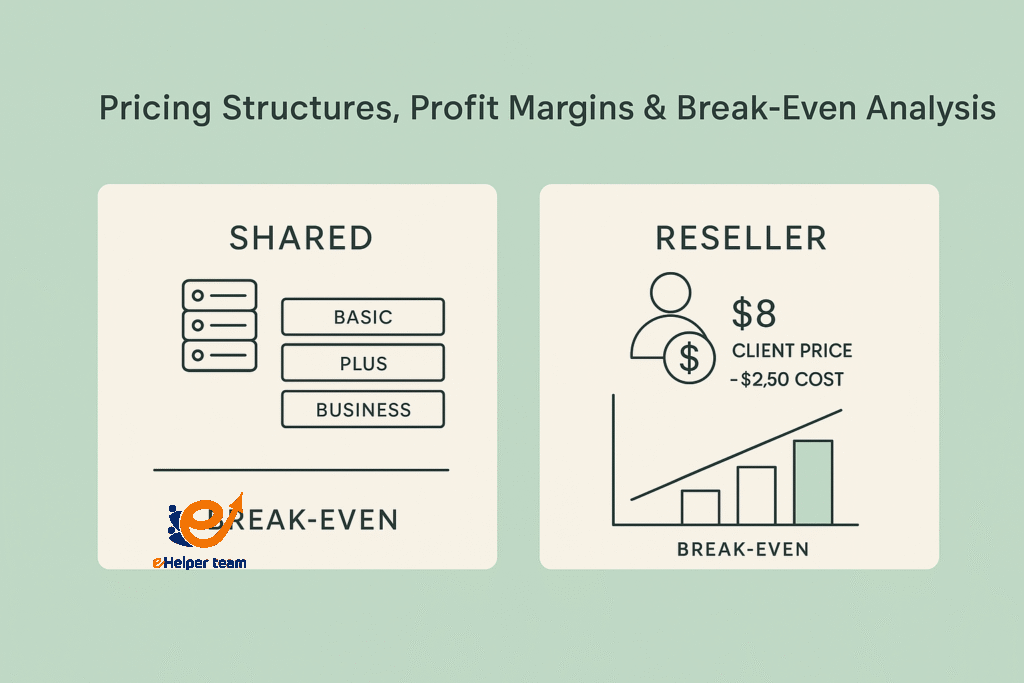
Shared hosting typically has pricing tiers (e.g., basic, plus, business). The prices vary by features (e.g., storage, bandwidth, domain, SSL).
Reseller hosting pricing is usually based on total resources (disk, bandwidth, number of accounts allowed). You then divide that into smaller plans for your clients.
Profit Margins for Reseller
To succeed as a reseller, you need to price your client packages above your cost while staying competitive. For example, if your reseller plan costs $50/month and supports 20 accounts, your cost per account is $2.50. If you charge clients $8 per month, your gross margin is $5.50 per client (minus overheads). Over time, more clients → more profit.
Break-Even Point & Risk
You should calculate how many client accounts are needed to cover your base cost. Until you reach that break-even point, you might run at a loss. There’s also risk: client churn, non-payment, support costs, and resource overuse.
Upselling & Add-On Services
With reseller hosting, you can upsell extras (backups, SSL, managed services, website building). These increase revenue and help offset overheads. Shared hosting users rarely have that flexibility.
Price Comparison in the Market (2025)
The hosting market is competitive. Shared hosting plans may go as low as $2–5/month for basic plans. Reseller packages might start at $20–30/month for modest specs. But always check renewal prices, hidden costs, and feature differences (e.g., WHMCS license, white labeling).
SEO Impact, Server Performance & Long-Term Strategy
SEO Performance & Speed
While hosting type doesn’t directly change SEO rankings, performance does. Google values page speed, uptime, and security.
Shared hosting may experience slower load times if server resources are strained by other users.
Reseller hosting can perform better if resources are well distributed among clients.
Choosing a host with SSD storage, CDN integration, and server caching can make a noticeable difference in both hosting types.
Long-Term Scalability & Growth
In the long run, shared hosting can limit your business or digital portfolio growth. Once you outgrow traffic limits or need advanced features, you’ll be forced to migrate. Reseller hosting, however, offers a growth path. You can expand your business, add more clients, and eventually move to a VPS or dedicated server when revenue supports it.
Brand Building & Independence
Another key advantage of reseller hosting is white labeling. You can create your own hosting brand—complete with custom nameservers, branded invoices, and private-label services. That independence is impossible with shared hosting.
This article provides insight into top hosting providers globally and how they handle shared vs. reseller performance.
Real-World Example:
A small web design agency managing 25 client websites could either:
Use one shared hosting plan (cheap but risky performance-wise), or
Use one reseller account and create individual accounts for each client (professional, scalable, and easier to manage).
Reseller Hosting VS Shared Hosting. The second option helps them appear professional, add recurring revenue, and isolate clients’ environments for security.
The Verdict – Which Hosting Should You Choose?
After examining all the dimensions—pricing, performance, control, scalability, and support—the conclusion is straightforward:
Choose Shared Hosting if you’re a beginner, blogger, or small business owner who needs simplicity and affordability.
Choose Reseller Hosting if you’re a web developer, designer, or entrepreneur wanting to host multiple clients or build a side business.
In essence, Reseller Hosting VS Shared Hosting is not about which is “better” universally—it’s about which aligns with your specific goals.
Reseller Hosting VS Shared Hosting. To deepen your understanding, you can also check out What is WordPress hosting and Best Hosting Companies, which discuss how WordPress performs across different hosting environments.
Top Tips Before Choosing a Hosting Plan
Evaluate your technical skill – Shared hosting needs no expertise; reseller hosting requires some learning curve.
Consider your growth plan – If you’ll manage more than one website, start directly with reseller hosting.
Check uptime & reputation – Choose providers with 99.9%+ uptime and strong security reviews.
Analyze pricing beyond the first term – Renewal rates often jump after the initial discount period.
Use tools like WHMCS to automate client billing and support if you go the reseller route.
Read real user reviews before deciding—some hosts oversell servers, leading to poor performance.
Frequently Asked Questions (FAQs)
1. What is the main difference between Reseller Hosting and Shared Hosting?
Shared hosting means you share one server’s resources with others for your site. Reseller hosting lets you subdivide and resell hosting space to clients as if you were a provider.
2. Can I earn money with reseller hosting?
Yes. You can sell hosting plans to clients and profit from the difference between what you pay your provider and what clients pay you.
3. Which is more secure, reseller or shared hosting?
Reseller hosting often provides more control and account isolation, making it potentially safer if configured properly.
4. Is reseller hosting good for agencies?
Absolutely. Agencies can host all client websites under one account, manage resources easily, and earn recurring income.
5. Is shared hosting faster than reseller hosting?
Not necessarily. Speed depends on the server’s hardware, network, and how resources are managed—not just the hosting model.
6. Which hosting is better for beginners?
Shared hosting is best for beginners due to its simplicity and low cost.
7. Does reseller hosting include customer support for my clients?
No. You provide support to your clients. Your host supports you, not your end users.
8. How many websites can I host on a reseller plan?
It depends on your plan’s limits (disk space, bandwidth, number of accounts). Many entry plans allow 25–50 accounts.
9. Is it easy to migrate from shared hosting to reseller hosting?
Yes, most hosts offer migration tools or free transfer services. It’s usually smooth if both use cPanel or WHM.
10. Can reseller hosting affect my SEO?
Indirectly, yes. Better uptime, faster speeds, and HTTPS support can boost SEO, all of which are achievable with quality reseller plans.
Conclusion
In the ongoing debate of Reseller Hosting VS Shared Hosting, the “right” option depends on your vision. Shared hosting provides affordability and ease for single-site users. Reseller hosting provides control, branding, and business opportunities for ambitious entrepreneurs.
Both are foundational to the hosting industry— Reseller Hosting VS Shared Hosting, but in 2025, as the digital ecosystem grows more business-oriented, reseller hosting is increasingly becoming the choice for professionals seeking scalability, control, and profit potential.
I am a content writer and editor who has written articles for digital marketing, Hosting Tutorials, SEO Tutorials and Mobile App.
I worked in this field for a long time so I have a good experience in that field.